How to Use Pika Labs: A Complete 2025 Guide
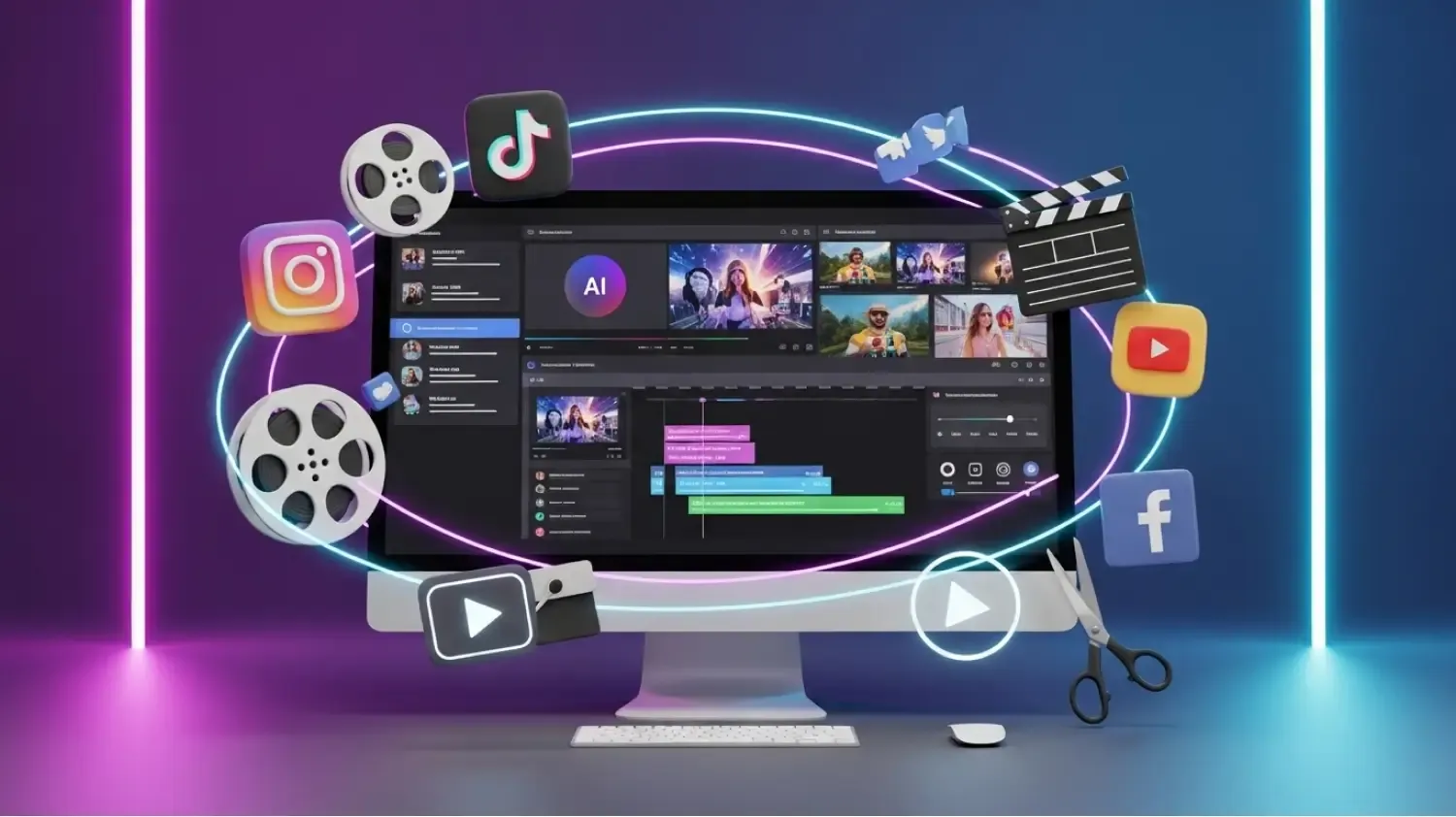
Video creation has historically required expensive software, long render times, and advanced editing skills. Pika Labs aims to change that by offering a fast, user-friendly platform for generating AI-powered videos from text prompts or images.
This 2025 guide explains how to use Pika Labs, what it does well, and how creators can get the best results.
⭐ 1. What Can Pika Labs Do?
Pika Labs allows creators to generate short, AI-animated videos using:
- Text prompts
- Image prompts
- Video presets
- Motion styles
It’s designed for:
- Social media content
- Ads
- Storyboards
- Short clips
- Creative experiments
⭐ 2. How to Use Pika Labs (Step-by-Step)
Step 1 — Choose your prompt type
You can begin with:
- Text-only
- Image + text
- Style presets
Step 2 — Select a video style
Popular styles:
- Cinematic
- Realistic
- Anime
- Stylized illustration
- 3D animation
Step 3 — Adjust movement
You can control:
- Camera panning
- Subject movement
- Scene transitions
Step 4 — Generate
Rendering typically takes seconds.
Pika Labs returns a short video clip ready to download or refine.
⭐ 3. Video Quality
The platform provides solid visuals for:
- Ads
- TikTok content
- Creative concepts
- Visual storytelling
While not as advanced as high-end production tools, the speed and convenience make it ideal for short-form video creators.
⭐ 4. Best Practices
To get better results:
- Use short, clear prompts
- Avoid overly complex scenes
- Add reference images
- Choose styles that match your idea
- Refine with multiple generations
⭐ 5. Limitations
Pika Labs is not intended for:
- Long-form videos
- Professional film production
- Highly detailed character animations
However, for rapid prototyping and social content, it excels.
⭐ 6. Final Verdict
Pika Labs is one of the easiest and fastest AI video generators available in 2025. It’s ideal for creators who want eye-catching motion content without spending hours learning traditional editing tools.